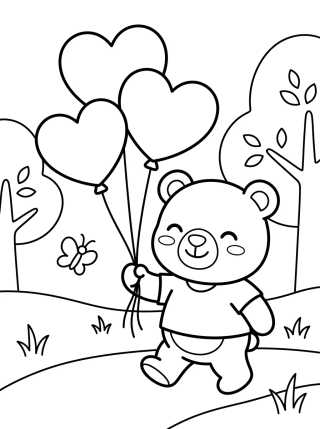
Step-by-Step Guide to Creating Custom AI Coloring Pages
25 de agosto de 2026
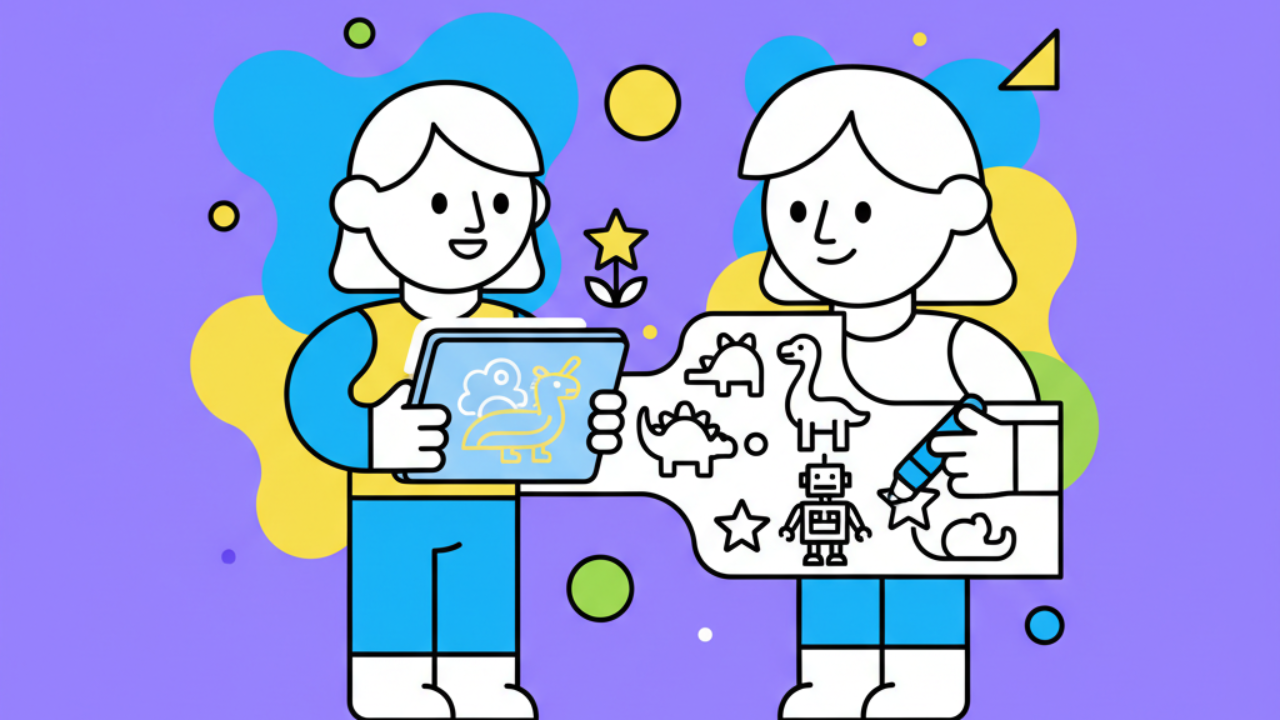
Learn how to use AI to create custom, printable coloring pages. Turn your creative ideas into unique coloring activities that kids will absolutely love!
What are AI coloring pages and why use them at Desenhando e Colorindo?
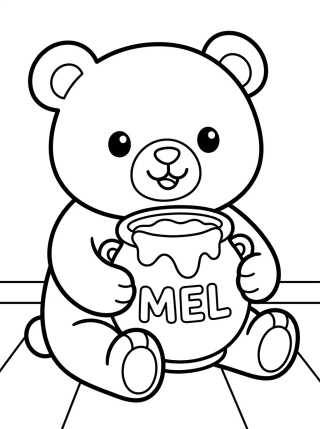
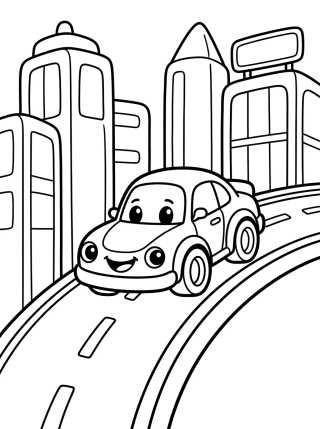
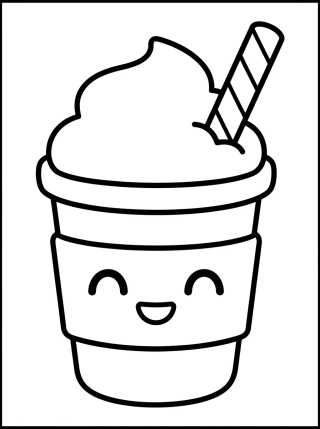
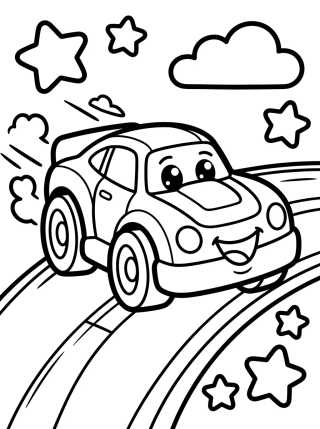
Artificial intelligence technology is here to revolutionize how we create coloring activities. Instead of spending hours hunting for a specific image online, you can now simply describe what you want and get exclusive kids' line art in seconds. At Desenhando e Colorindo, we believe this tool is a powerful ally for parents and educators looking for personalized content.
AI-generated free printable coloring pages allow children to be co-authors of the artwork. If they want an elephant riding a skateboard on Mars, AI can translate that wish into outlines ready for colored pencils. This stimulates not only their artistic side but also logical reasoning and the ability to verbalize creative ideas.
Moreover, during back-to-school season, classroom activities often require varied themes. Having the skill to create your own coloring pages ensures you'll always have fresh, relevant material for the kids without relying solely on traditional catalogs. It's the perfect blend of technology and the classic fun of coloring on paper.
Step 1: Defining your coloring page concept
The first step to creating cute drawings with AI is having a clear vision of what you want to see on paper. AI works best with specific instructions. Think about the main elements: who is the character? What are they doing? What’s the background? Remember that for coloring, less is more when it comes to shading and cross-hatching.
When planning your personalized digital coloring book, try focusing on themes that spark immediate interest. If the child loves nature, ask for giant flowers and smiling bugs. If the focus is adventure, spaceships and castles are great picks. Defining the concept is the foundation for a clean, easy-to-paint result.
Step 2: Choosing the right AI tool
There are several tools on the market that can generate high-quality printable art. Platforms like Midjourney, DALL-E, and Leonardo AI are the most popular. Each has its quirks, but they all work through prompts (text commands). Some are paid, but many offer free credits to get you started.
For those looking for convenience, Desenhando e Colorindo already integrates solutions that simplify this process, focusing specifically on black outlines on a white background. The secret is choosing a tool that understands the line art style, avoiding overly detailed images or gray tones that make it hard to fill in with crayons or markers.
Step 3: How to write the perfect prompt for kids' line art
Writing an AI command is an art form. If you just type "cat," the AI might generate a photo of a real cat. To get educational drawings ready for paper, you need to use technical keywords. Precision in your text determines whether the image will be useful or just a digital ink smudge.
- Use terms like "coloring page for kids," "black and white," "bold lines," and "white background."
- Specify the style: "cute cartoon style" or "simple line art."
- Avoid words like "shading," "gradients," or "photorealistic," as they add shadows that get in the way of coloring.
- Add line details: "thick outlines" help younger children stay inside the lines.
An effective prompt example would be: "Coloring page of a friendly dragon in the forest, cartoon style, thick black lines, white background, no colors, high resolution." With this structure, your chances of getting perfect coloring sheets increase drastically.
Printing Tip: When printing your AI-generated drawings, check if your printer is set to "Black and White" mode and use 24lb (90g) paper or higher if you plan on using markers or watercolors to prevent bleed-through.
Step 4: Refining and cleaning the digital drawing
Often, AI might generate some noise or small glitches in the outlines. Before you print for free, it's recommended to open the image in a simple editor (like Paint or Canva) to make adjustments. You can thicken lines that came out too thin or erase elements that clutter the coloring page composition.
Another important point is contrast. Ensure the black is truly black and the background is pure white. This saves printer ink and makes the coloring experience for kids much more pleasant and visually clear. If you plan to create an activity book, keeping a consistent visual style between drawings is essential for harmony.
Benefits of creating your own coloring drawings
Personalization brings advantages that generic drawings don't offer. When you create a coloring activity based on a student's or child's specific interests, engagement skyrockets. Plus, AI allows for infinite variations on the same theme, which is excellent for serial pedagogical projects.
- Exclusivity: No one else will have the same drawing, making playtime unique.
- Adaptability: Adjust the difficulty level (more or fewer details) based on the child's age.
- Cost-effective: Generate hundreds of options without needing to buy physical coloring books.
- Unlimited Creativity: Mix worlds, like dinosaurs at the bottom of the sea—something hard to find in stores.
Having access to AI-powered drawings at Desenhando e Colorindo transforms the passive user into an active creator. This boosts a child's self-confidence as they see their idea take shape on paper.
How to use the drawings in school projects
Teachers can use AI to create educational drawings that illustrate exactly what is being taught in class. If the lesson is about the solar system, why not generate a drawing of each planet with cute faces and names for the kids to paint while they learn?
These printable arts can be integrated into bulletin boards, test covers, or as rewards for finished tasks. The ease of generating images on demand keeps teaching materials fresh and visually appealing for young students.
Tips for online and offline coloring
While printing is the classic method, online coloring is also gaining traction. You can upload your AI-generated drawing to digital painting apps on a tablet. This is great for travel or times when paper and pencils aren't handy. However, physical contact with paper at Desenhando e Colorindo remains the best way to develop fine motor skills.
For a full experience, encourage using different materials on the same coloring sheet. Colored pencils for large areas, markers for outlines, and even tissue paper collages can turn a simple kids' line art into a true 3D masterpiece.
Frequently Asked Questions
Is it hard to learn how to use AI for coloring drawings?
No, it's very intuitive. With the right commands we teach here at Desenhando e Colorindo, anyone can generate professional-quality images in minutes, as long as they have internet access.
Do AI-generated drawings lose quality when printed?
Only if the original resolution is low. Make sure to save the file in high definition (at least 1024x1024 pixels) so the outlines of your line art stay crisp and not pixelated on paper.
Can I share my personalized drawings with others?
Yes! You can print multiple copies to hand out in the classroom or at birthday parties. The goal is to spread the fun and encourage the creative use of digital tools in the coloring pages universe.
What are the best themes to start with in AI?
Themes with well-defined shapes work best, such as animals, fruits, vehicles, and fantasy characters. Avoid themes with too many tiny details, which can turn into black blurs during AI processing.
Now that you've mastered the art of creating your own personalized drawings with artificial intelligence, it's time to get hands-on! Explore the tools, unleash your imagination, and don't forget to check out the latest updates here at Desenhando e Colorindo. We have thousands of ready-made options for you—just pick your favorites, click print for free, and let the fun begin!
Escrito e revisado por Armando Amaro
Fundador do Desenhando e Colorindo. Todo artigo passa por curadoria e revisão humana antes de ser publicado.